
User management

Creation, administration and deletion of user accounts
First step of 3D security management is creation of user accounts. Once a user has been created it has to be decided whether advanced access rights are required or just full access for the user should begranted.
If advanced access rights are not required however an user account management is desired, the security management can be done in a very simple way:
Create user accounts and assign full access right. If user leaves the organisation or user should not have access anymore for other reasons, simply delete the account.
If advanced access rights (role based access) is desired, again the user has to be created here but the roles and access rights have to be administered via role management, group management, master group management and user access management. Pls refer to the respective chapters. Advanced security management should be organized in close coordination with ChemServe.
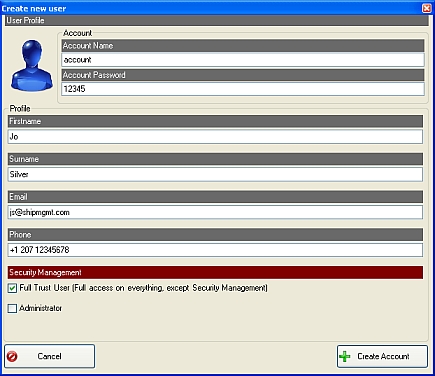
Create new user
Click the respective button and enter the user profile.
A simple direct Security management can be done right here be setting the one of the tick marks:
- Full Trust User (has full access rights except 3D Security Management)
- Administrator (has access only to 3D Security Management)
Click create account to save the entries
Change existing accounts
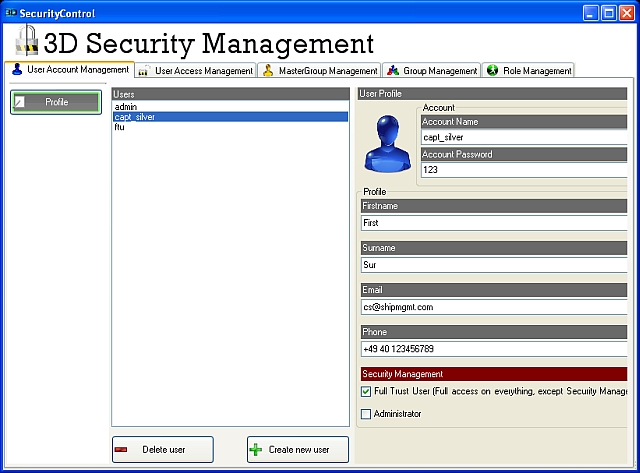
Select the existing user account and edit the profile. Click Save button to save changes
Delete accounts
Select the respective account and click the Delete User button and confirm